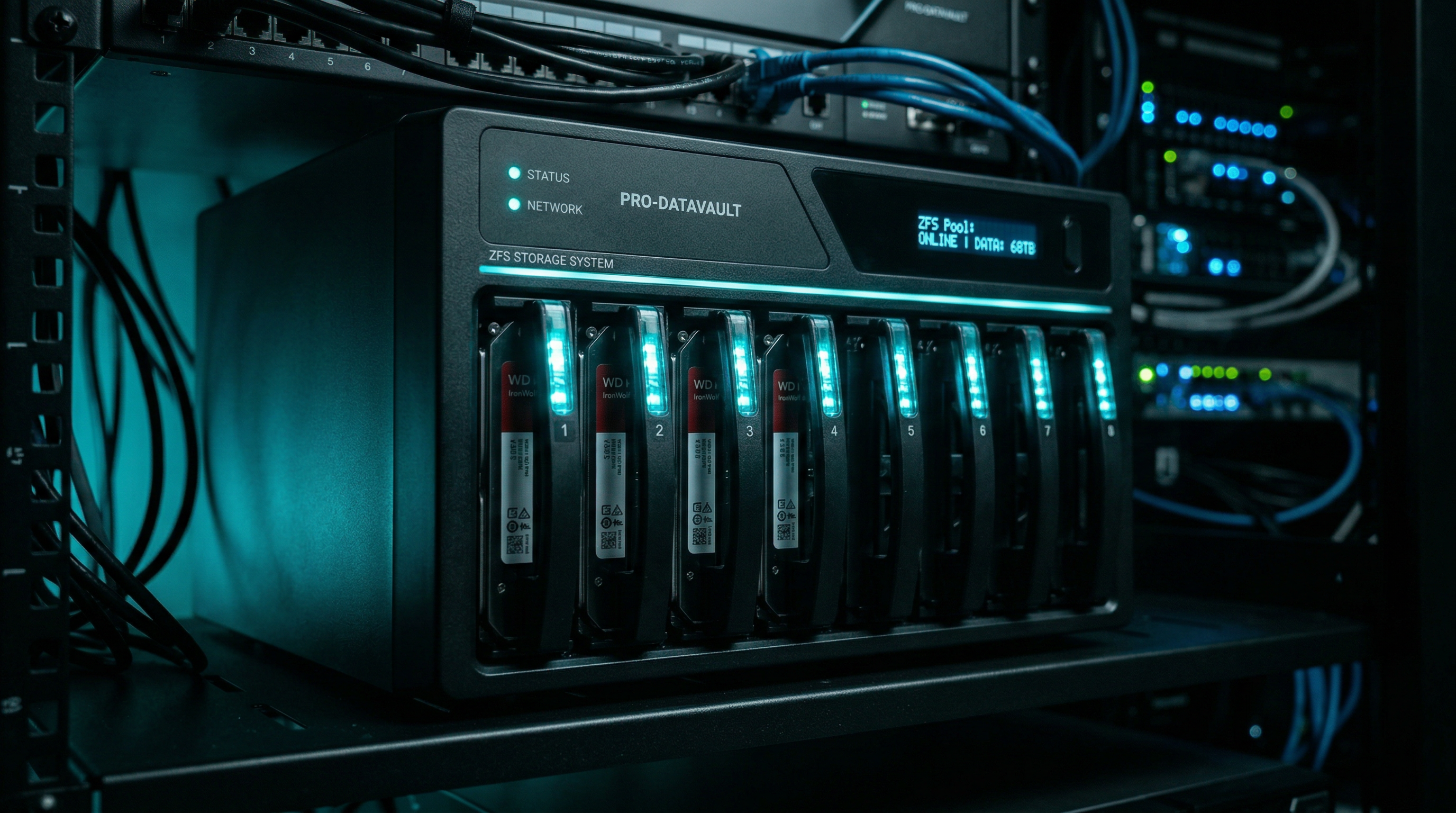
TrueNAS Scale vs Proxmox VE: Which Platform Should Run Your Home Lab?
Both are free, open-source, run on bare metal, and can virtualize workloads. So how do you choose? I've run TrueNAS Scale as my primary NAS and Proxmox VE as my hypervisor for years — here's everything you need to know to make the right call for your setup.
The Short Answer
Use TrueNAS Scale if your primary goal is a reliable, storage-first NAS with ZFS at the core, SMB/NFS shares, and you want everything in one GUI. It can run VMs and Docker-based apps, but storage is its superpower.
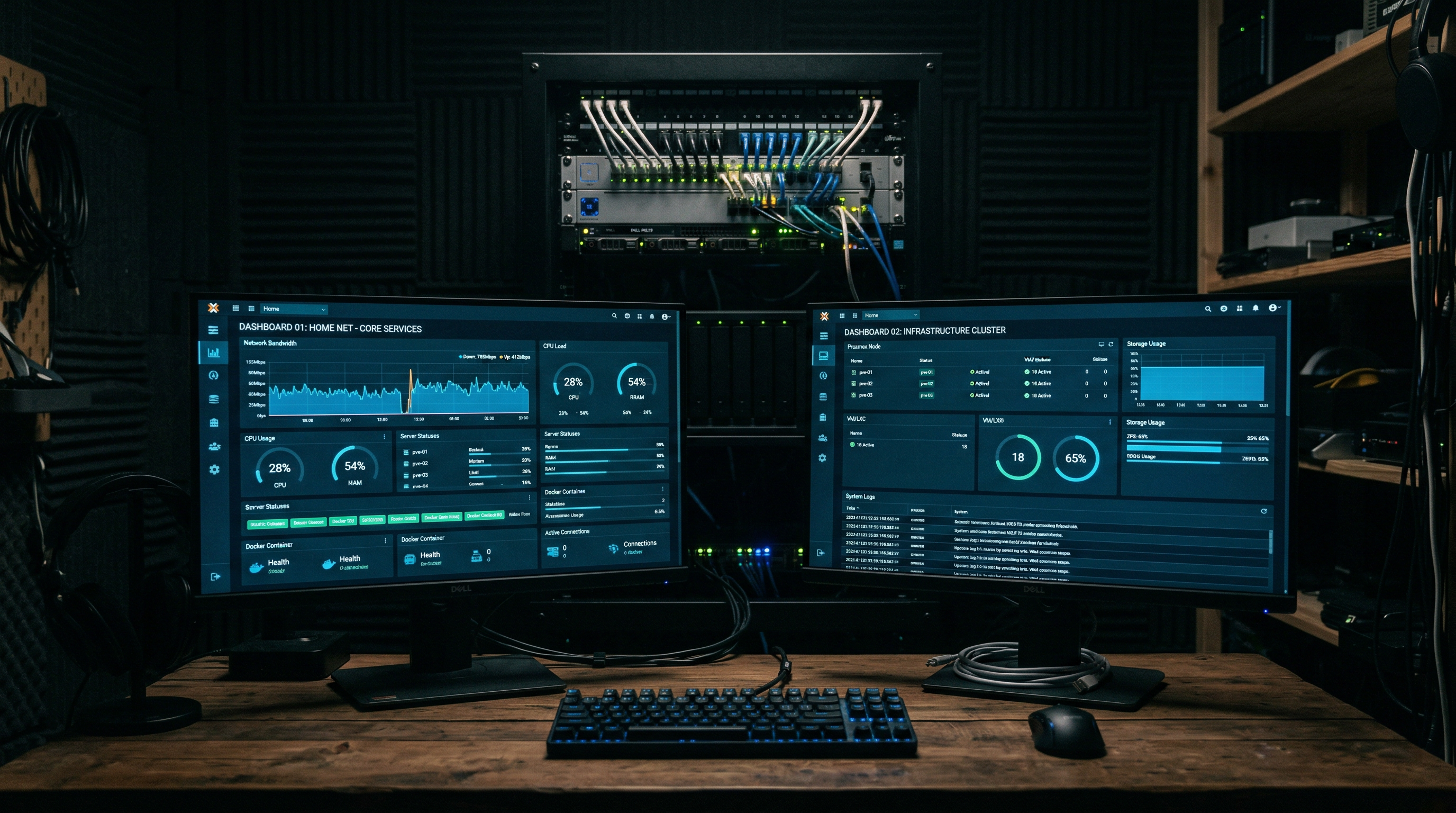
Use Proxmox VE if virtualization and containers are your primary use case — running multiple VMs, LXC containers, and arbitrary workloads on the same hardware. Storage is possible (via ZFS in Proxmox or a separate TrueNAS VM), but compute is its strength.
Many home labbers run both — Proxmox on a compute node with VMs and LXCs, and TrueNAS on a dedicated storage node, often with NFS/SMB shares mounted into Proxmox.
Feature Comparison
| Feature | TrueNAS Scale | Proxmox VE |
|---|---|---|
| Primary purpose | NAS / Storage OS | Hypervisor / Virtualization |
| ZFS support | ✓ First-class, GUI-managed | ✓ Supported, CLI-configured |
| Virtual Machines | ✓ (KVM-based) | ✓ First-class, excellent UI |
| LXC Containers | Limited | ✓ First-class support |
| Docker / Compose | ✓ Built-in (via Apps) | ✓ In VMs or LXC |
| SMB/NFS shares | ✓ Native, GUI-driven | Possible but manual |
| Storage pools GUI | Excellent | Adequate |
| Snapshot management | GUI + Auto-snapshots | Manual / scripted |
| Clustering | Limited | Excellent (Proxmox Cluster) |
| Live migration | No | ✓ (with shared storage) |
| Community size | Large (iXsystems + forums) | Very large (Reddit, forums) |
| RAM minimum | 8GB (16GB+ recommended for ZFS) | 4GB (8GB+ practical) |
| License | Fully open-source (GPL) | Open-source, paid enterprise tier |
TrueNAS Scale Deep Dive
TrueNAS Scale is built by iXsystems and based on Debian Linux with ZFS as its foundation. The "Scale" variant (as opposed to TrueNAS Core, which was FreeBSD-based) brings Linux compatibility, Docker app support, and a modern web UI.
Storage: Where TrueNAS Shines
The ZFS management in TrueNAS is genuinely excellent. Creating pools, adding datasets, configuring ACLs, enabling replication to another TrueNAS instance, and setting up automated snapshots — all of this is handled through a polished web GUI that anyone can learn without touching a terminal. For a NAS that family members might need to access settings on, this matters.
SMB shares (Windows file sharing) and NFS shares (Linux/Mac) are first-class citizens. You configure your dataset, assign permissions, enable the share type, and it just works. TrueNAS handles the Samba and NFS daemon configuration for you.
ZFS caches data in RAM (ARC — Adaptive Replacement Cache). iXsystems recommends 1GB of RAM per 1TB of storage for optimal performance. At minimum you want 8GB; 16GB+ is better for a serious NAS. ECC RAM is strongly recommended for data integrity.
The Apps Ecosystem
TrueNAS Scale ships with a curated app catalog (Helm charts under the hood) and supports running Docker Compose-based apps via the "Custom App" feature. Popular self-hosted apps like Jellyfin, Nextcloud, and Home Assistant are one-click installs from the catalog.
The downside: the app system has had a rocky history between major TrueNAS versions. Apps have been migrated between different backends (from Kubernetes-based to Docker-based) and some users have lost app configurations during upgrades. If you rely heavily on apps, factor this in.
Virtualization in TrueNAS
TrueNAS supports KVM-based VMs through its GUI. It's functional — you can create VMs, assign storage, set up networking — but the experience isn't as polished as Proxmox. Creating a VM with GPU passthrough, custom boot orders, or advanced networking configurations requires more fiddling. VMs also compete with ZFS for RAM, which can cause pressure on a machine doing heavy storage duty.
Pros
- Best-in-class ZFS management GUI
- SMB/NFS is effortless to configure
- Automated snapshots & replication
- One-click app catalog
- Strong iXsystems support & community
- 100% free and open-source
Cons
- App system has had migration pain
- VM experience less polished than Proxmox
- Higher RAM floor for ZFS
- No LXC containers
- Less flexibility for complex virtualization
Proxmox VE Deep Dive
Proxmox Virtual Environment is built by Proxmox Server Solutions GmbH, based in Austria. It's Debian-based with KVM for full virtualization and LXC for lightweight containers. The web UI is one of the best in open-source infrastructure tooling.
Virtualization: Proxmox's Superpower
Running VMs in Proxmox is a first-class experience. You get a full virtual machine manager with CPU/memory hot-plug, snapshots, live migration between nodes, hardware passthrough (GPU, USB, PCIe), and a clean GUI for managing all of it. Installing a new OS is as simple as uploading an ISO and clicking through a wizard.
LXC containers are where Proxmox really differentiates from TrueNAS. LXC containers are lighter than full VMs — they share the host kernel but have their own filesystem, network interface, and process space. Running Jellyfin in an LXC uses far fewer resources than running it in a VM, and Proxmox makes creating LXCs from community-built templates trivially easy.
Storage in Proxmox
Proxmox supports ZFS natively — you can create ZFS pools during installation or add them later via the GUI or CLI. However, the storage management UI is more limited than TrueNAS. Creating datasets, configuring SMB shares, and managing permissions requires either the CLI or third-party tools. This is fine for experienced Linux users but can be a pain point for those who want a GUI-driven NAS experience.
The most popular home lab approach is to connect Proxmox to a TrueNAS instance over NFS, using TrueNAS purely for storage and Proxmox purely for compute. This separation of concerns is clean and maintainable.
The Proxmox Subscription Model
Proxmox is free to download and use. The paid subscription tier ($110/year for one socket) gives you access to the enterprise-tested repository (more stable package updates) and commercial support. Without a subscription you use the "no-subscription" repo, which is slightly less conservative but works perfectly well for home labs.
The notorious "no valid subscription" popup on login is a minor annoyance easily removed with a one-line sed command.
# Remove the subscription nag popup (run on Proxmox host as root)
sed -i.bak "s/data.status !== 'Active'/false/g" \
  /usr/share/javascript/proxmox-widget-toolkit/proxmoxlib.js
# Restart the web interface
systemctl restart pveproxyPros
- Best-in-class VM management
- LXC containers are fast and lightweight
- Excellent community & documentation
- GPU and PCIe passthrough is straightforward
- Clustering and live migration
- Community scripts for easy setups
Cons
- NAS / file-sharing experience is manual
- Subscription nag (easily removed)
- No built-in app catalog
- Storage GUI less capable than TrueNAS
Which Should You Choose?
Choose TrueNAS Scale if…
- Your primary need is a NAS with centralized file storage (Plex media, family backups, file sync)
- You want SMB/NFS shares set up through a GUI without touching a terminal
- You care about bulletproof ZFS management with automated snapshots and replication
- You're running it on dedicated hardware with 4+ drives
- You want to run a few apps (Jellyfin, Nextcloud) alongside your storage
Choose Proxmox VE if…
- You want to run multiple full VMs or LXC containers on the same hardware
- You're building a homelab with diverse workloads — gaming servers, test environments, self-hosted apps in isolation
- You want GPU passthrough for a gaming VM or AI workloads
- You're comfortable managing storage via CLI or don't need NAS-style shares
- You might want to scale to a cluster someday
Run Both (The Enthusiast Setup)
The most flexible home lab setup is running both: a Proxmox node for compute (VMs, LXC containers, Docker stacks) connected over 10GbE or gigabit to a TrueNAS node for storage (ZFS pools, SMB/NFS, automated snapshots). Proxmox mounts the NAS over NFS as a storage pool, so VMs get their disks stored on the NAS with ZFS data integrity.
Hardware Recommendations
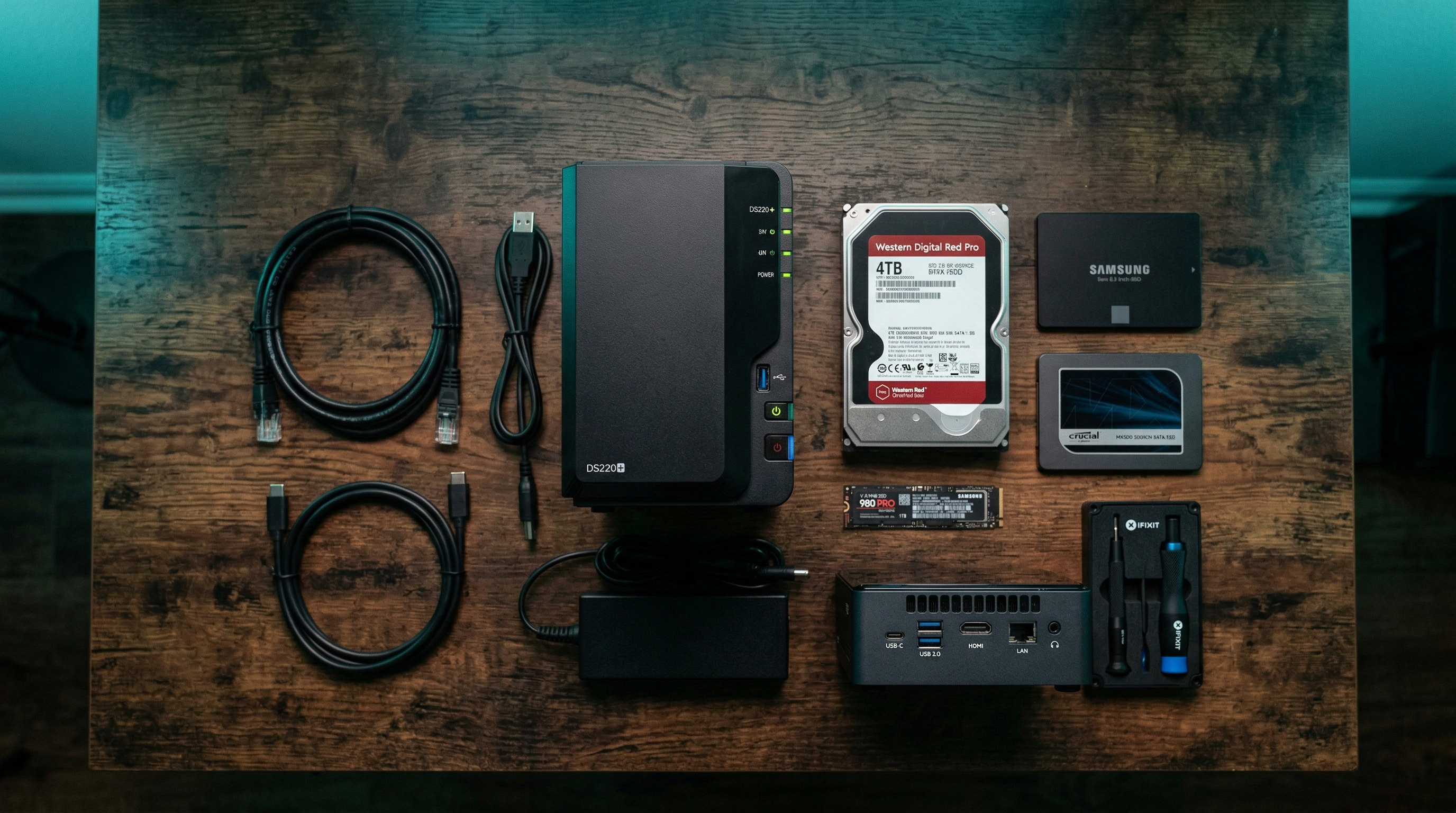
Whether you go TrueNAS, Proxmox, or both, here's the hardware I recommend:
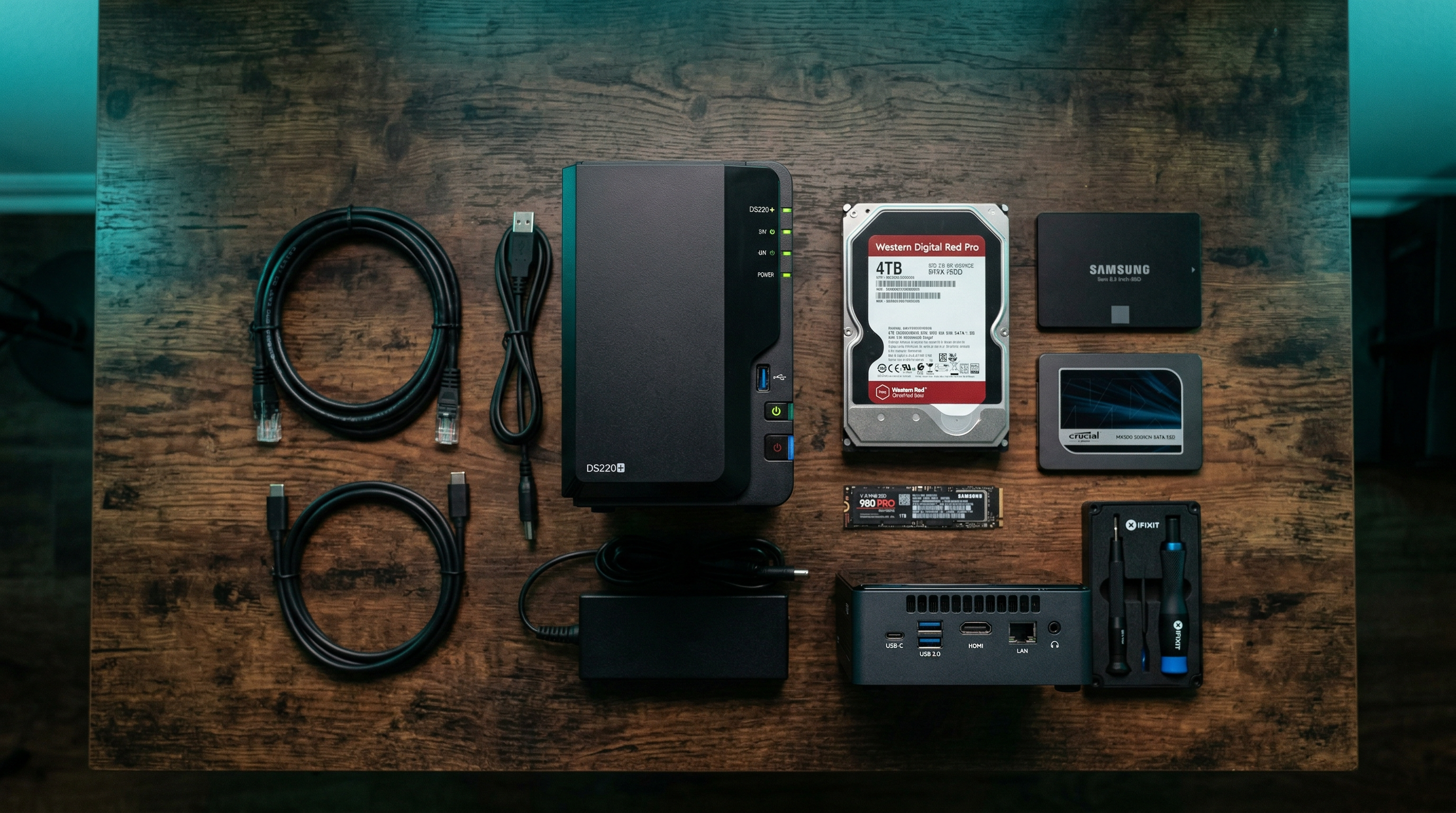

Amazon Associate disclosure: Links above are affiliate links. I earn a small commission if you purchase through them at no extra cost to you.
Migrating from TrueNAS to Proxmox (or Vice Versa)
Already running one platform and thinking of switching? Here's the practical approach:
TrueNAS → Proxmox: Export your ZFS pool configuration, then import the drives
into Proxmox. ZFS pools are portable — Proxmox will import them with
zpool import.
You'll need to recreate your SMB/NFS shares manually.
Proxmox → TrueNAS: Export VM disks as QCOW2 or raw images, back up your container data, then import onto TrueNAS. Running VMs on TrueNAS works but expect a less polished experience.
Before switching platforms, back up everything to an external drive or a separate ZFS pool. Platform migrations carry risk. A 3-2-1 backup strategy (3 copies, 2 different media, 1 offsite) is essential before any major infrastructure change.
Final Thoughts
After years of running both platforms, my personal take: TrueNAS Scale is the best NAS operating system available, full stop. The ZFS management and file-sharing experience is unmatched. Proxmox is the best hypervisor for a home lab — flexible, powerful, and with a community that has solved basically every problem you'll encounter.
If you have one machine to work with and want to do everything, Proxmox is more versatile. If you have dedicated hardware for storage and want the best NAS experience possible, TrueNAS wins. If you can run both on separate hardware, that's the ultimate home lab configuration.